


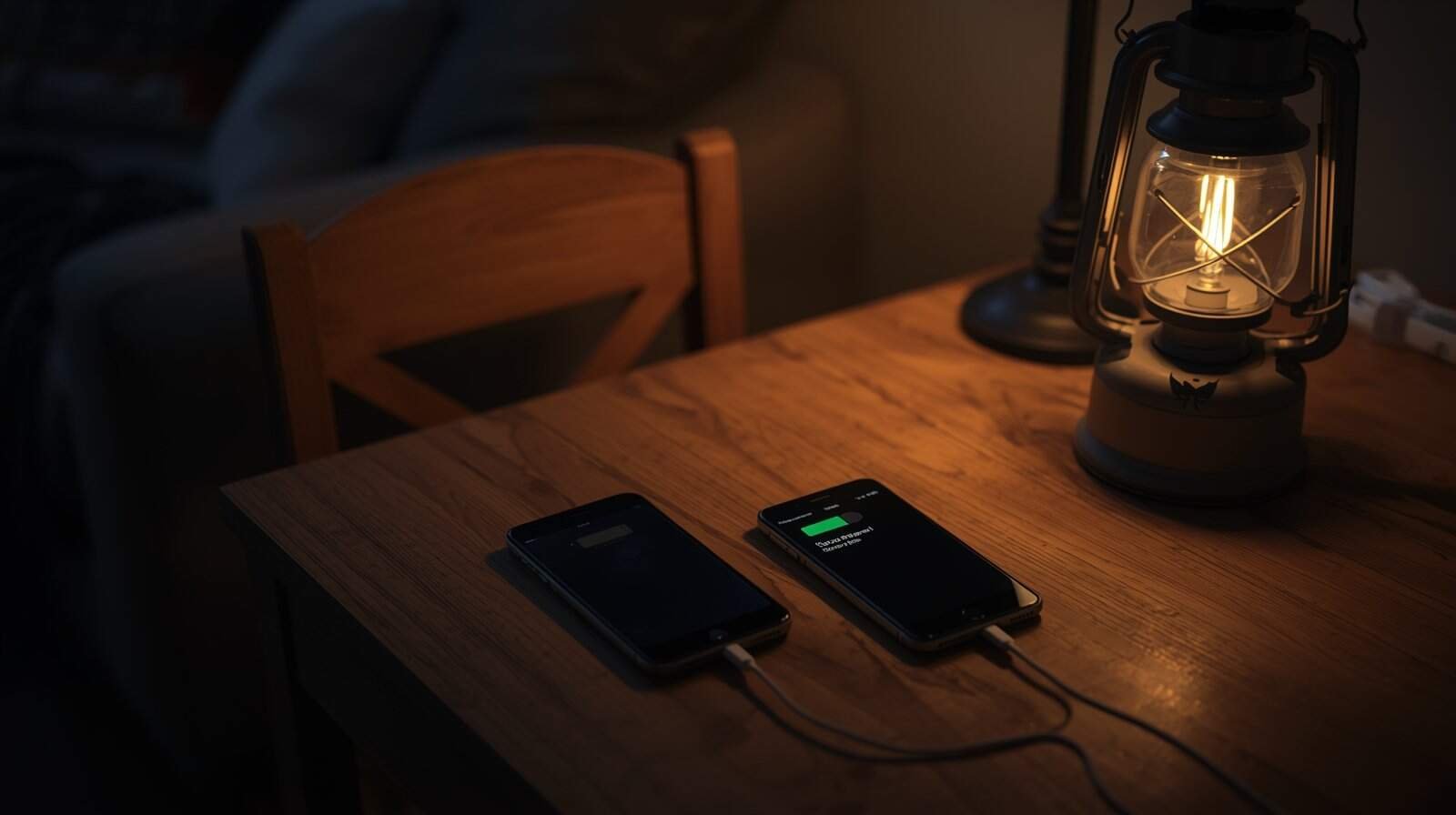
During extended power outages, communication becomes your safety net. Phones connect you to emergency updates, weather alerts, family members, and medical support. But batteries drain quickly, cellular networks become congested, and home internet systems often fail sooner than people expect.
This guide explains how to conserve battery life, use backup charging safely, and create a communication plan that remains stable even if the outage lasts multiple days. For the broader survival framework, review How to Safely Live Through a Multi-Day Power Outage at Home.
Step One: Shift to Battery Conservation Mode Immediately
When the power goes out, don’t wait until your phone drops below 20 percent. Activate low-power mode early. Reduce screen brightness, disable background app refresh, and limit video streaming or nonessential browsing. Short, intentional usage preserves hours of battery life.
If multiple household members rely on phones, coordinate usage. Avoid redundant checking of news or weather updates. Designate one device for updates and share information verbally to conserve battery across devices.
- Enable low-power mode
- Lower brightness manually
- Turn off Wi-Fi and Bluetooth when not needed
- Close unused apps
- Avoid streaming or gaming
Power Banks: Your First Line of Backup
Portable power banks are often the safest and simplest charging method during outages. Keep them charged before storms arrive and rotate usage between devices rather than fully draining one phone at a time.
Charge devices in stable locations away from bedding or flammable materials. Even small electronics generate heat while charging. Avoid stacking multiple devices in tight piles.
If you’re building a broader supply strategy, review Power Outage Supply Planning to integrate charging equipment into your kit.
Home Internet: Why It Usually Fails
Even if your phone works, your home internet may not. Routers and modems require electricity. Some internet providers have limited battery backups in neighborhood equipment, but these systems often fail within hours.
Assume that Wi-Fi will stop functioning unless you have both powered equipment and an active upstream network. Plan around cellular data as your primary communication path.
Cellular Network Congestion
During regional outages, thousands of households rely on cellular networks at once. This can cause slow data speeds or delayed messages. Text messages often transmit more reliably than voice calls because they require less bandwidth.
If voice calls fail, switch to text messaging. Keep messages brief and avoid repeated retries that drain battery.
Coordinate a Family Communication Plan
Before outages occur, define who checks updates and who communicates with extended family. Identify an out-of-area contact person who can relay messages if local networks are unstable.
If your household conditions deteriorate — such as falling indoor temperatures or medical device instability — communication becomes critical. See When a Power Outage Becomes Unsafe: Clear Signs It’s Time to Leave for escalation thresholds.
Cold Weather + Communication Risk
Cold drains batteries faster. Keep devices in interior pockets close to body warmth when not in use. Avoid leaving phones near windows or on cold surfaces during winter outages.
If you are consolidating into a warming room, coordinate charging and device placement as part of that strategy. See Staying Warm Safely During a Winter Power Outage for room consolidation guidance.
Build Redundancy Before the Next Outage
Communication resilience is built before storms arrive. Keep power banks charged, maintain car chargers as backups, and know where community resources are located. Small preparation steps prevent isolation during prolonged outages.
Power outages disrupt convenience. They should not isolate your household. With battery discipline and a clear communication plan, you maintain both awareness and control.