


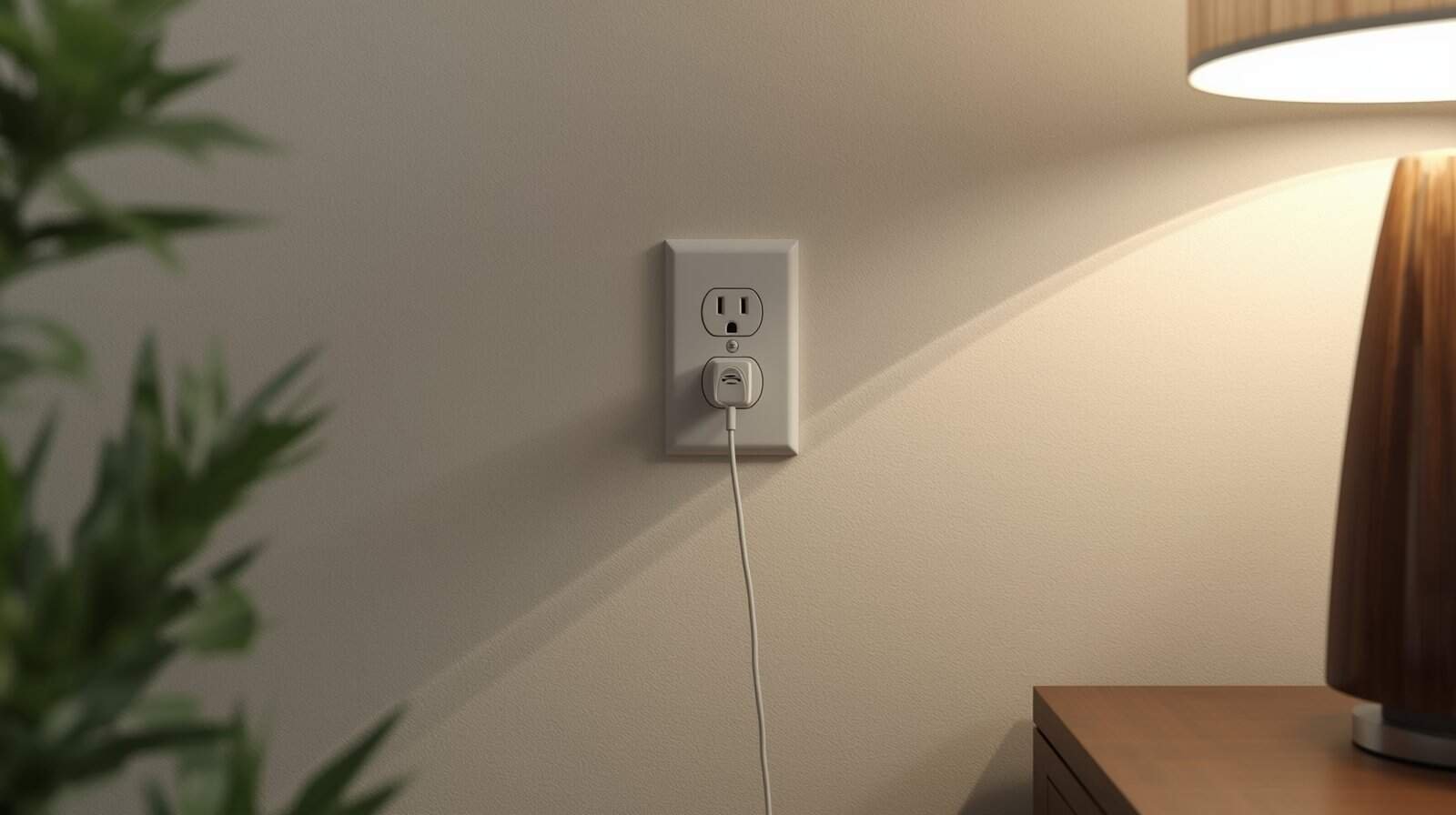
This guide addresses a specific situation: an outlet appears to have power, but an appliance or device will not operate when plugged in.
In many cases, the problem is not a complete loss of voltage but a mismatch between what the outlet can deliver and what the appliance requires under load.
This article focuses on outlet-level and device-level causes before escalating to broader electrical system concerns.
What “Outlet Has Power” Really Confirms
An outlet can show signs of power even when it cannot support a real electrical load. A phone charger may light up, a nightlight may glow faintly, or an outlet tester may indicate voltage.
These signs confirm that some voltage is present. They do not guarantee that the circuit can deliver stable, usable power when a motor or heating element engages.
Common Causes of “Power Present but Appliance Won’t Run”
Loose or Failing Neutral Connections
If the neutral return path is compromised, voltage may appear present but collapse under load. Appliances may click, hum, or shut off instantly.
This condition is discussed further in Loose Neutral Wire Symptoms and can become a serious safety risk.
Worn or Loose Outlet Connections
Push-in (“backstab”) connections and aging terminals can loosen over time. Light loads may function, but heavier loads fail or cause flicker.
Outlets that feel warm, buzz faintly, or show intermittent behavior should not be used.
Upstream GFCI or AFCI Protection
An outlet may be protected by a GFCI or AFCI device located elsewhere. After outages, these devices may partially trip or fail to reset cleanly.
Related behavior is covered in GFCI Keeps Tripping After an Outage.
Unstable Voltage After Restoration
Following outages, unstable voltage can cause appliances to refuse startup even though the outlet tests live.
For broader unstable-voltage patterns, see Outlet Voltage Unstable After an Outage.
How This Differs From a Dead Outlet
A dead outlet shows no power at all. In this scenario, power appears present but fails under real demand.
If multiple appliances fail across several rooms, the issue may be circuit- or service-level rather than isolated to one receptacle.
Safe Checks You Can Perform
- Try a different appliance in the same outlet
- Test both sockets if it is a duplex outlet
- Check nearby GFCI outlets for tripped reset buttons
- Observe whether lights dim when plugging devices in
When It’s Not an Outlet Problem
If entire rooms are affected or power instability appears across multiple circuits, the issue may be upstream.
In those cases, review Power Is Back but Appliances Don’t Work for system-level evaluation guidance.
Conclusion
An outlet showing voltage does not guarantee safe, usable power. After outages, misleading “partial power” conditions are common and often linked to loose connections, unstable voltage, or protective devices.
Perform only safe surface checks. If normal operation does not return quickly, discontinue use and escalate. Continuing to test unstable outlets increases the risk of equipment damage or fire.