


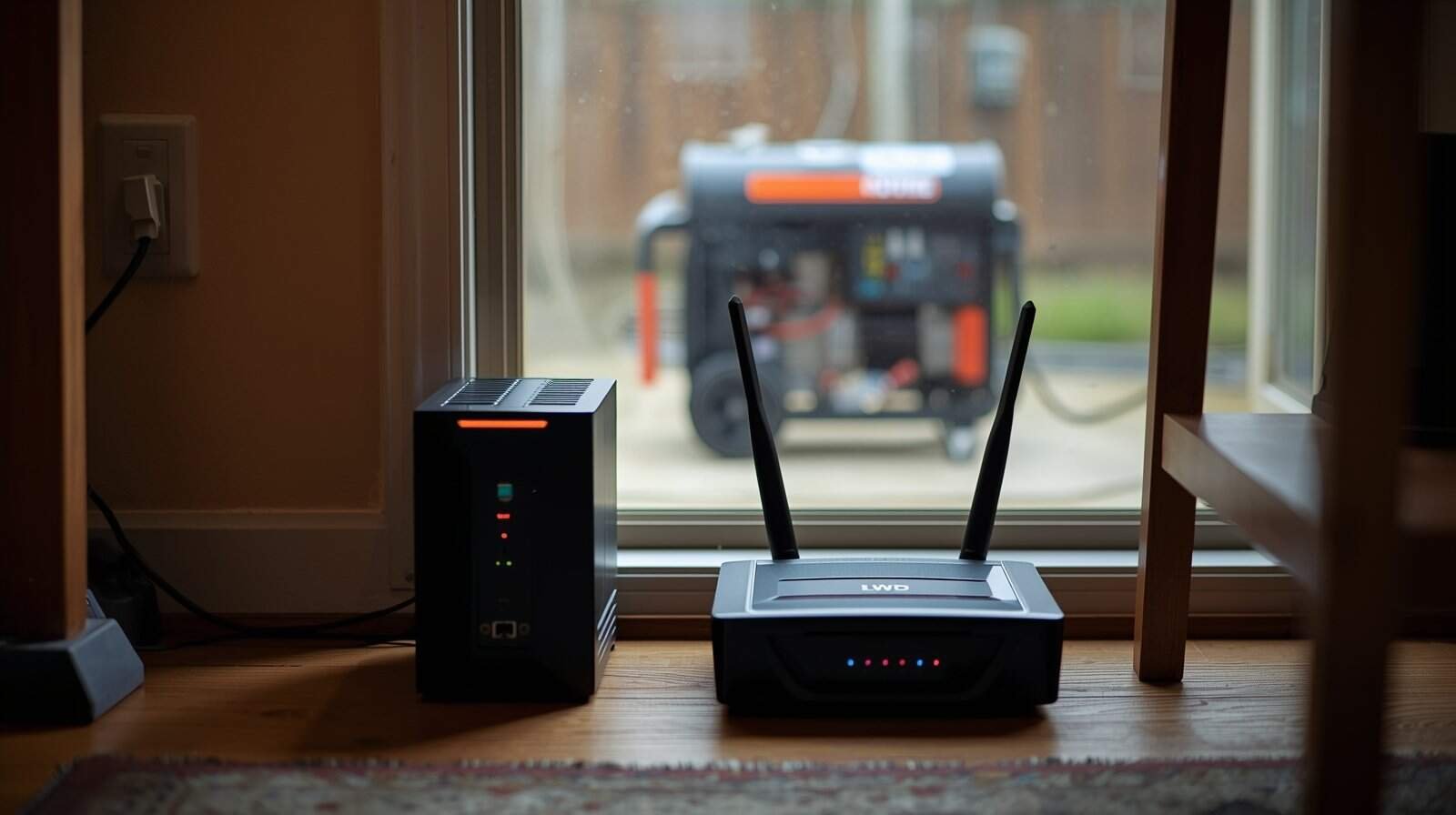
Short answer: Sometimes—a UPS can help on generator power, but only in the right role. A UPS is great at keeping a router or computer from shutting off during brief dropouts. It is not a universal “power cleaner,” and some UPS units will beep, click, or switch to battery repeatedly if generator voltage or frequency is unstable.
During an outage, many homeowners try to protect sensitive electronics by plugging them into a UPS (battery backup) while running on generator power. That instinct is good—modern electronics are sensitive, and sudden shutoffs can cause problems. The issue is that generator electricity doesn’t always look like stable utility power. Some UPS units interpret generator output as “bad power” and respond by transferring to battery again and again.
This guide explains when a UPS helps, when it doesn’t, why alarms happen, and the common mistakes that create heat, overload risk, and a false sense of protection.
What a UPS Does (and Why People Use One During Outages)
A UPS (Uninterruptible Power Supply) is a battery backup that can keep devices running for a short time when power drops. For many households, the biggest benefit is continuity: your Wi-Fi stays up, a computer doesn’t abruptly shut off, and you have time to save work or keep communications stable.
Most consumer UPS units also include basic surge protection and some level of voltage regulation, but the details vary widely. What doesn’t vary is the core design: a UPS watches incoming power and decides whether to pass it through or switch to battery.
If you want the foundation for what “power quality” means on a generator (voltage and frequency in plain English), start here: Generator Power Quality Explained: Voltage, Frequency, and Why Electronics Get Damaged.
Why Some UPS Units Beep or Switch to Battery on Generator Power
When a UPS alarms, it’s usually telling you it doesn’t like what it’s seeing from the generator. Most UPS units have acceptable ranges for voltage and frequency. If generator output drifts outside those ranges—even briefly—the UPS may treat it like a brownout or unstable supply and transfer to battery.
Common reasons this happens during generator use include:
- Voltage sag when a motor starts (refrigerator, sump pump, freezer)
- Frequency drift when engine speed changes under load
- Long or undersized extension cords causing voltage drop
- Overloading the generator, even slightly
A UPS switching to battery once in a while is not necessarily bad. The problem is repeated transfers. Rapid switching can drain the UPS battery and create confusion: it may look like the UPS is “failing,” when the real issue is generator stability.
When a UPS Helps on Generator Power
A UPS is most useful when you want to protect against brief interruptions and keep low-draw electronics from rebooting. The best use cases tend to be:
- Router + modem (keeps communication stable)
- Desktop computer (prevents sudden shutdowns and gives time to save work)
- Small network gear for home offices
- Low-draw medical support electronics (not life-support devices) where continuity matters and you have a separate safety plan
In these roles, the UPS acts like a shock absorber. If the generator has a brief dip when a compressor starts, the UPS can keep electronics from rebooting or clicking off.
When a UPS Does Not Help (and Can Make Things Worse)
If your generator output is significantly unstable, a UPS may not solve the problem. It can actually create new issues:
- Battery drain from frequent transfers (beeping, clicking, cycling)
- Heat and overload risk if you treat the UPS like a “power strip” for high-draw devices
- False confidence that electronics are protected while the underlying power quality stays poor
A UPS is not designed to turn rough generator output into perfect electricity for everything in the home. If you’re seeing repeated resets, flicker, or devices behaving erratically, it’s better to treat this as a generator power-quality issue.
This companion guide explains how electronics get damaged gradually under unstable output and what safe habits reduce risk: Why Generator Power Problems Can Damage Electronics (And How to Prevent It).
Common Mistakes Homeowners Make With UPS Units on Generators
Using a UPS for high-draw appliances
A UPS should not be used as a way to run heaters, microwaves, refrigerators, or other high-load devices. Many consumer UPS units are designed for computers and networking gear, not motor loads. Trying to power high-draw devices through a UPS can overheat connections or overload the unit.
Stacking protection devices (UPS + power strip + long cords)
Every extra connection point can add resistance and heat, especially if cords are long or undersized. A UPS plugged into a long extension cord can behave poorly even if the UPS itself is fine, simply because the voltage at the end of that cord is sagging.
Assuming a UPS replaces surge protection choices
Some homeowners treat a UPS as “everything protection.” In reality, surge protection and power-quality stability are different problems. This surge protector guide explains where surge protectors help and where they don’t: Surge Protector on Generator Power: When It Helps and When It Doesn’t.
Ignoring generator type and regulation behavior
Some generator setups deliver steadier output than others, especially under changing load. Without turning this into a brand debate, it’s helpful to understand the factors that influence steadiness. This guide breaks down what actually matters (and what doesn’t) when comparing inverter vs conventional output for electronics: Inverter Generator vs Conventional Generator for Electronics: What Actually Matters.
How to Use a UPS More Safely During Generator Operation
You don’t need technical testing to apply the safest UPS habits. Focus on stable, low-draw loads and reduce the stress factors that cause generator drift.
- Keep the UPS load small: router/modem, laptop charger, or a computer—not appliances.
- Watch behavior: occasional transfer is one thing; repeated cycling means stop and reassess.
- Reduce load spikes: avoid starting multiple motor appliances while sensitive electronics are active.
- Minimize cord losses: use appropriately sized cords and keep runs as short as practical.
If generator behavior stays unstable across normal loads, the safest choice is to pause using the generator for expensive electronics and focus on essential, less-sensitive loads until stability improves.
Conclusion: Use a UPS as a Buffer, Not a Fix
A UPS can be a smart tool on generator power when it’s used for the right job: keeping low-draw electronics stable during brief dips and transfers. But a UPS cannot guarantee clean power from an unstable generator setup, and repeated alarms are a warning sign—not a feature.
When in doubt, keep loads small, reduce stress on the generator, and treat repeated instability as a reason to stop using generator power for sensitive electronics until the underlying cause is addressed.