


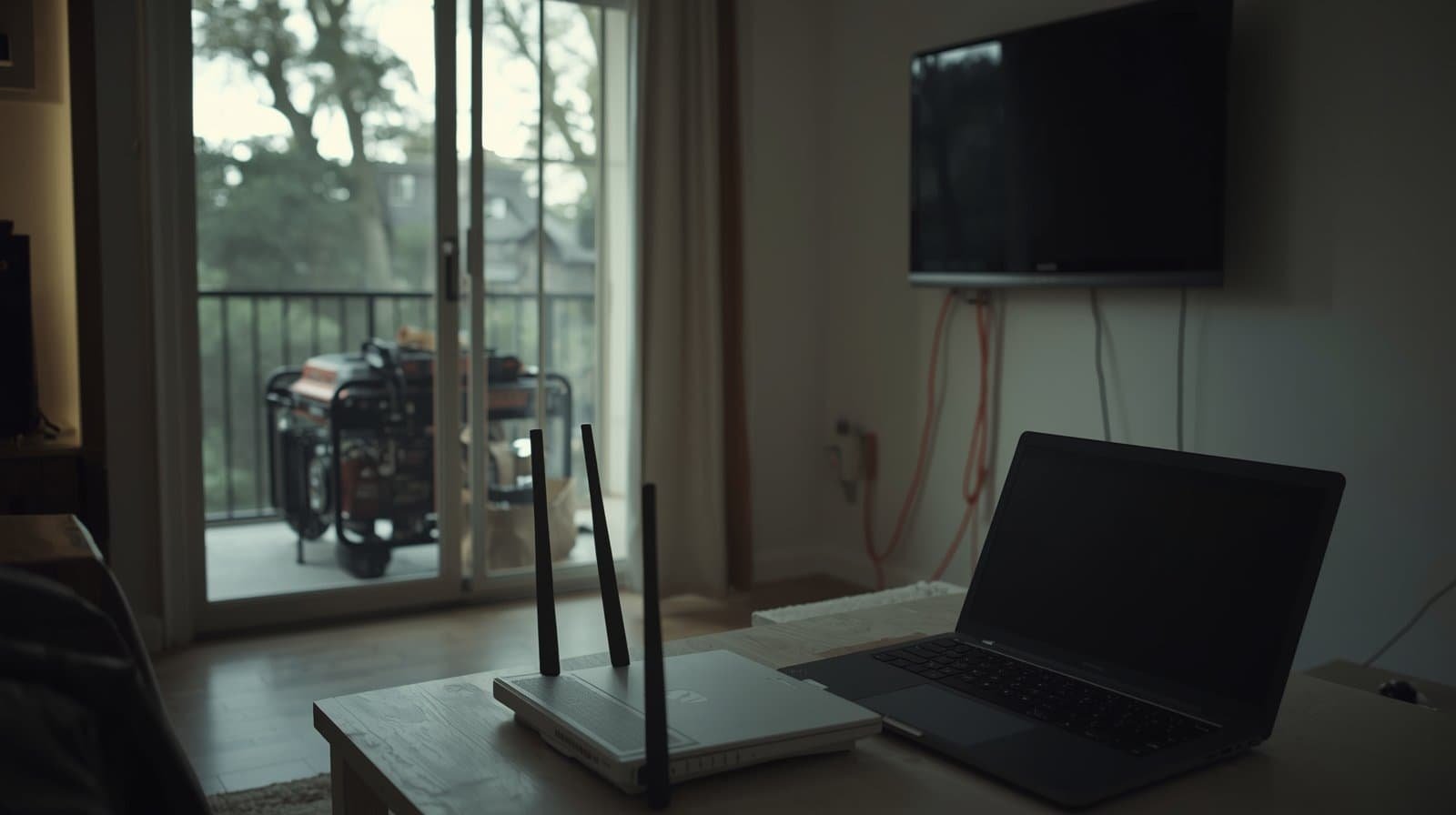
Short answer: The safest way to protect electronics during generator use is to keep the setup simple: run fewer devices, avoid stacking large motor loads with sensitive electronics, use properly sized cords, and stop using the setup if you see resets, flicker, heat, or unstable behavior. Protection is mostly about stable power and smart load management, not just buying an accessory.
When the power goes out, most people focus on getting something working again as quickly as possible. That makes sense—but it also leads to a common mistake: plugging delicate electronics into a generator setup that is already strained by refrigerators, sump pumps, freezers, or long extension cords. The result may look minor at first. A router resets. A TV flickers. A laptop charger cuts in and out. But those symptoms are often warning signs that the generator power is not stable enough for sensitive electronics.
This guide explains how to protect common devices like routers, TVs, computers, and chargers during generator use without overloading the system or creating new safety problems.
Start With Power Quality, Not Accessories
Before you think about surge strips, adapters, or battery backup units, start with the underlying question: is the generator power stable enough to trust? If the setup is already dimming lights, making plug ends warm, or causing devices to reset, no accessory will turn that into good power.
That is why the foundation for electronics protection begins with stable voltage and frequency under real load. If you want the plain-English explanation of what power quality means and why electronics care so much about it, start here: Generator Power Quality Explained: Voltage, Frequency, and Why Electronics Get Damaged.
Keep Sensitive Electronics on the Lightest, Steadiest Part of the Setup
Routers, modems, TVs, laptops, streaming boxes, and chargers are low-draw devices, but they are often more sensitive to dips and fluctuations than larger appliances. The safest approach is to keep them away from the most volatile part of the load profile.
In practical terms, that means you should avoid running sensitive electronics on the same stressed path that is also handling startup-heavy motor loads like refrigerators, freezers, sump pumps, or dehumidifiers. Those motor starts are a common trigger for flicker and resets.
Do Not Let Extension Cords Become the Weak Link
One of the fastest ways to create electronics problems is to send generator power through long, undersized, or poor-quality cords. Voltage drop at the far end of a cord can make electronics act erratically even when the generator itself seems to be running normally.
That is why cord choice is not an accessory decision—it is part of the safety system. For the practical rules on safe cord use and common mistakes, see: Generator Extension Cords: What’s Safe, What’s Not, and Why It Matters.
Protecting Electronics Means Protecting the Whole Setup
Electronics protection does not happen in isolation. If the generator is placed unsafely, if cords are routed through wet areas, or if the setup is overloaded, the electronics are only one part of the risk. This is especially important during storms, when people are tempted to move the generator closer to the house or create improvised cable paths just to keep devices online.
Do not trade electrical protection for a carbon monoxide hazard. Generator placement still matters, even when your focus is something “small” like keeping the internet running. Review: Generator Carbon Monoxide Safety: What Every Homeowner Needs to Know.
Use a UPS Carefully, Not Automatically
A UPS can help some electronics by buffering brief drops and preventing immediate shutdowns. That can be useful for routers, modems, and computers. But a UPS is not a magic “power cleaner,” and some UPS units will alarm, click, or switch to battery repeatedly when generator power is unstable.
That means a UPS is most useful when the generator setup is already fairly stable and you want extra continuity—not when the underlying power is clearly struggling. For the full UPS-specific guidance, see: UPS on Generator Power: When It Helps, When It Doesn’t, and Common Mistakes.
Common Mistakes That Put Electronics at Risk
Most generator-related electronics problems come from a handful of repeat mistakes:
- Running sensitive devices alongside large startup loads on an already strained setup
- Using long or undersized extension cords that create voltage drop
- Stacking adapters, strips, and questionable connections that add heat and resistance
- Ignoring repeated flicker, resets, or warm plug ends because “the generator is still on”
- Treating accessories as a substitute for stable power
These problems are especially dangerous because the devices may keep working just enough to encourage continued use while internal stress keeps building.
When to Stop Using Generator Power for Electronics
The safest limit is not a single number. It is the behavior you observe. Stop using generator power for electronics if you notice:
- Repeated resets, reboots, or charging interruptions
- Visible flicker when normal loads start
- Buzzing adapters, warm plug ends, or hot-smelling electronics
- Unpredictable behavior that does not improve when load is reduced
At that point, the safest move is to simplify further or pause use of sensitive electronics entirely rather than keep “trying to make it work.”
Conclusion: Stable, Simple, and Lightly Loaded Wins
The best way to protect electronics during generator use is to create the simplest stable setup possible. Keep sensitive devices on the lightest, steadiest part of the load, use proper cords, avoid stacking them with heavy motor starts, and do not ignore flicker or resets when they appear.
Electronics protection is not about squeezing the maximum number of devices onto a generator. It is about preserving clean enough power for the devices that matter most—and knowing when the setup has become too unstable to trust.