


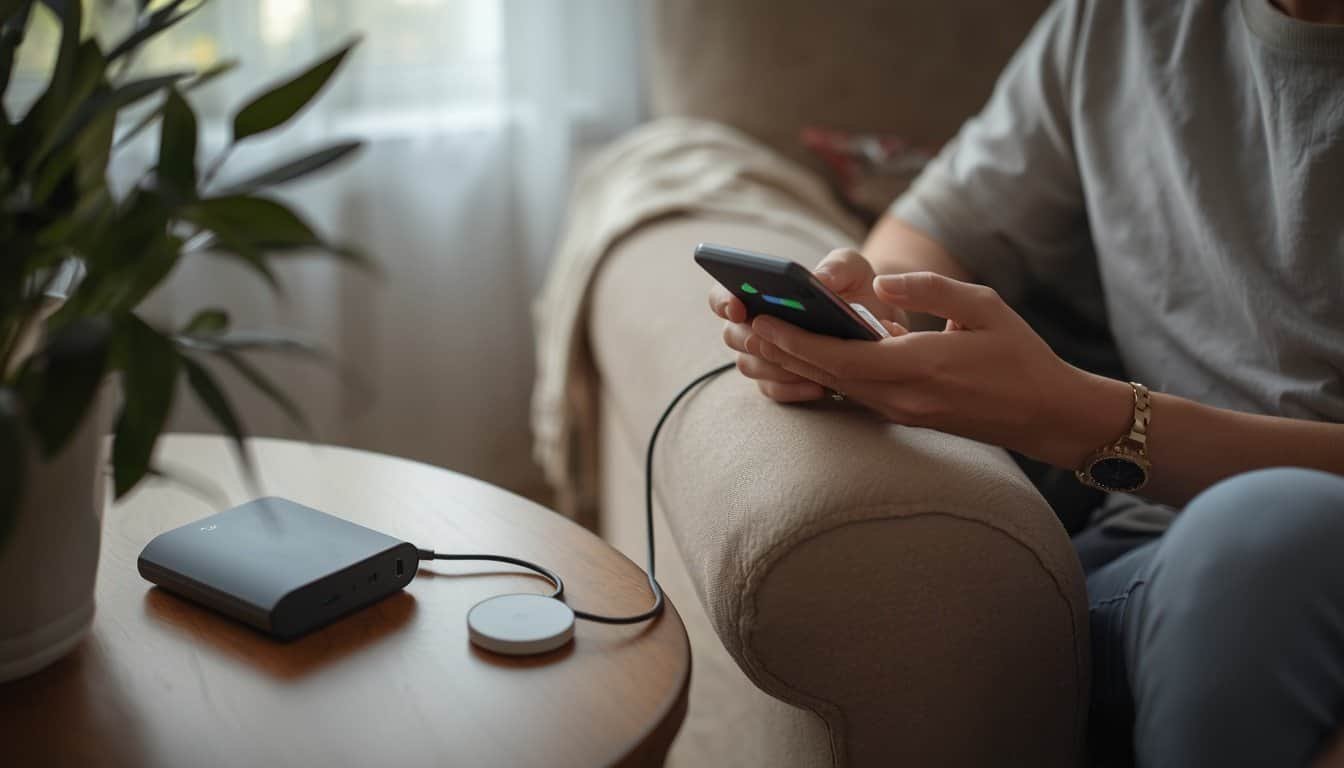
A power outage can become more stressful when phones, medical-alert devices, tablets, hearing-aid chargers, or caregiver communication tools start running low. The safest charging plan is not one oversized battery sitting in a closet, but a simple set of backup layers that keeps essential communication working long enough to make decisions.
A practical backup charging plan should include fully charged devices before severe weather, at least one dedicated power bank, a larger backup option for longer outages, a car-charging plan used safely, and written rules for what gets charged first. The goal is to protect communication, alerts, and medical support before convenience devices drain limited backup power.
Start With the Devices That Keep People Reachable
The first step is to identify which devices are essential for safety and communication. A smartphone may receive emergency alerts, contact caregivers, report an outage, or call for help. A medical-alert device may be the fastest way for someone to signal a fall, breathing problem, or urgent need. A tablet, captioned phone, hearing-aid charger, or communication device may be essential for a person who cannot rely on standard voice calls.
Make a short charging priority list before the outage. Put medical-alert devices, phones, communication aids, and powered accessibility devices ahead of entertainment devices. Laptops, tablets, speakers, and extra screens may be useful, but they should not drain the same battery supply needed for emergency communication.
If this plan supports someone with medical equipment, mobility limits, or caregiver needs, connect it with Backup Power for Medical Devices at Home. Charging phones and alert devices should be part of the same household safety plan as oxygen equipment, medication storage, mobility support, and emergency contacts.
Create Three Charging Layers
A strong charging plan has more than one layer because outages do not always follow the timeline you expect. The first layer is fully charged everyday devices before severe weather arrives. The second layer is portable backup charging, such as power banks or a small power station. The third layer is a longer-duration option, such as safe vehicle charging, a larger battery station, or a planned powered location.
This layered approach prevents one failure from becoming the whole problem. If a phone battery drops faster than expected, a power bank can extend it. If the power bank runs out, a larger battery or safe vehicle-charging plan may buy more time. If the outage continues, a relocation plan or community charging site may become the better answer.
Think of charging in time blocks. What keeps devices working for the first 4 hours? What supports overnight communication? What happens the next day if the power is still out? Your broader 7-Day Power Outage Plan should include charging, communication, transportation, medical needs, cooling or heating, food, and water as connected decisions.
Use Power Banks for Short-Term Communication
A small power bank is often the easiest backup charging tool for phones and small devices. It is quiet, portable, indoor-safe when used according to instructions, and simple enough for most households to use during an outage. The key is keeping it charged before it is needed and storing it with the correct cables.
Use one dedicated emergency power bank if possible. Do not treat it like a daily convenience charger that disappears into backpacks, cars, or bedrooms. Store it with charging cords, wall adapter, phone cable, medical-alert charging cable if applicable, and a written note showing which devices get priority.
Check the power bank every few months and before severe weather season. Batteries slowly lose charge in storage, and missing cables are one of the most common reasons backup charging plans fail. A charged power bank without the right cord is only partly useful.
Use Larger Backup Batteries Carefully
A larger portable power station can support phones, tablets, small communication devices, some routers, and other low-power equipment for longer than a pocket-sized power bank. It may also help recharge medical-alert devices, hearing-aid chargers, or accessibility devices if those devices are compatible with the power station’s outlets.
Compatibility matters. Some devices use USB, some use AC wall plugs, and some require manufacturer-specific charging docks. Do not assume every medical-alert device or assistive device can be charged from every battery. Check the device manual, supplier guidance, or manufacturer instructions before relying on a backup source for critical equipment.
For rough planning, the Battery Backup Runtime Calculator can help estimate how long a battery may support a listed load. Treat the result as a planning estimate, not a guarantee. Real runtime depends on battery age, charging losses, device settings, temperature, and how many devices are connected.
Protect Medical-Alert Devices From Dead-Battery Gaps
Medical-alert devices need special attention because they may sit quietly until the moment they are needed. A household may notice a phone is almost dead, but a wearable button, base station, pendant, or charging dock may be easier to overlook. The plan should identify exactly how the alert system works when household power and internet are down.
Ask the medical-alert provider whether the system has internal battery backup, how long it lasts, what happens if the base station loses power, whether it uses cellular or landline service, and how the user is notified when battery power is low. If the alert device depends on Wi-Fi, phone service, or a powered base station, the charging and communication plan should reflect that.
Make a simple rule: the alert device gets charged before nonessential devices. If the person lives alone, has fall risk, uses oxygen or other powered medical equipment, or may not be able to call for help normally, the medical-alert system should be treated as a priority device, not an accessory.
Use Vehicle Charging Without Creating New Risks
A vehicle can be a useful backup charging option, but it should be used safely and realistically. If you charge devices from a vehicle, the vehicle must remain outdoors and never run in a garage, carport, or enclosed space. Carbon monoxide risk is far more serious than a low phone battery.
Keep a car charger or USB adapter in the vehicle and a second one with emergency supplies if possible. During a long outage, charge devices in batches rather than leaving the vehicle running unnecessarily. Keep doors locked, stay aware of weather conditions, and avoid draining the vehicle battery if fuel or transportation may be needed later.
Vehicle charging should be a backup layer, not the only plan. Storms, flooding, heat, snow, blocked roads, fuel shortages, or a dead vehicle battery can all make car charging less reliable than it seems during normal conditions.
Reduce Battery Drain Before You Need Backup Power
The easiest way to stretch backup charging is to reduce unnecessary battery drain before devices become low. Dim screens, close unused apps, turn off unnecessary Bluetooth or hotspot use, and use low-power mode when appropriate. Avoid streaming video, gaming, or constant scrolling if the phone may be needed for alerts and emergency calls.
Text messages often use less battery and may go through when voice calls are congested. Download important phone numbers, maps, medication lists, and emergency instructions before severe weather so the household is not relying on internet access during an outage. Keep printed contact lists as a backup in case a device fails completely.
Communication planning should include more than device battery life. Use Severe Weather Alerts and Family Communication Plans to decide who checks in, which alerts matter, and what happens if a person does not answer calls or texts.
Build a Small Charging Kit
A charging kit should be easy to find in the dark. Store it in one consistent location, preferably near the rest of the emergency supplies. It should include power banks, charging cords, wall adapters, car chargers, any medical-alert charging accessories, a small flashlight, and printed emergency contacts.
Keep duplicate cables for the devices that matter most. Many households have plenty of cables until the outage begins, then discover the only working cord is in a car, office bag, or bedroom that is hard to reach in the dark. Backup charging should be boring, predictable, and easy for someone else to understand.
Use your 72-Hour Emergency Kit for Power Outages as the storage baseline, then add charging items specific to your household. If the household includes older adults, children, medical devices, or accessibility needs, build the kit around those priorities rather than generic gadget convenience.
Decide When Charging Problems Mean It Is Time to Leave
A charging plan should include escalation triggers. If phone batteries are nearly dead, medical-alert battery backup is running low, caregiver communication is failing, or the household cannot receive weather and utility updates, it may be time to relocate or seek help before the situation becomes urgent.
This is especially important for people who live alone, depend on powered medical equipment, rely on a medical-alert system, or cannot easily leave without assistance. A dead phone can become more than an inconvenience if it cuts off the only way to ask for help.
Write down the trigger in plain language. For example: if the medical-alert device cannot be charged, if the phone drops below a chosen battery level with no backup available, or if the household cannot reach the person by phone or text, someone will check in directly or arrange relocation to a powered location.
FAQ
How many power banks should I keep for a power outage?
Many households should keep at least one dedicated emergency power bank, but homes with older adults, medical-alert devices, or accessibility needs may benefit from more than one. The exact number depends on how many devices must stay charged and how long outages usually last in your area.
Can a portable power station charge a medical-alert device?
It may be able to, but you should confirm compatibility with the medical-alert provider or device instructions. Some systems include a powered base station, charging dock, cellular connection, or internal battery that needs specific guidance.
Is it safe to charge phones from a car during an outage?
Vehicle charging can be useful if the vehicle is outdoors and used safely. Never run a vehicle in a garage, carport, or enclosed space, and do not rely on vehicle charging as the only backup if the phone or alert device is critical.
What should get charged first during a long outage?
Prioritize devices that protect communication and safety: medical-alert devices, phones, communication aids, caregiver phones, and medical-device chargers. Entertainment devices should wait until essential communication needs are covered.
Conclusion
A backup charging plan for phones and medical-alert devices should be simple, layered, and written down. Keep essential devices charged before storms, store power banks and cords together, confirm how medical-alert systems behave without household power, and use larger batteries or vehicle charging as backup layers.
The best plan protects communication before convenience. When charging becomes uncertain for someone who depends on a phone, alert device, or communication aid, act early so the household still has time to call, check in, relocate, or seek support before batteries run out.