


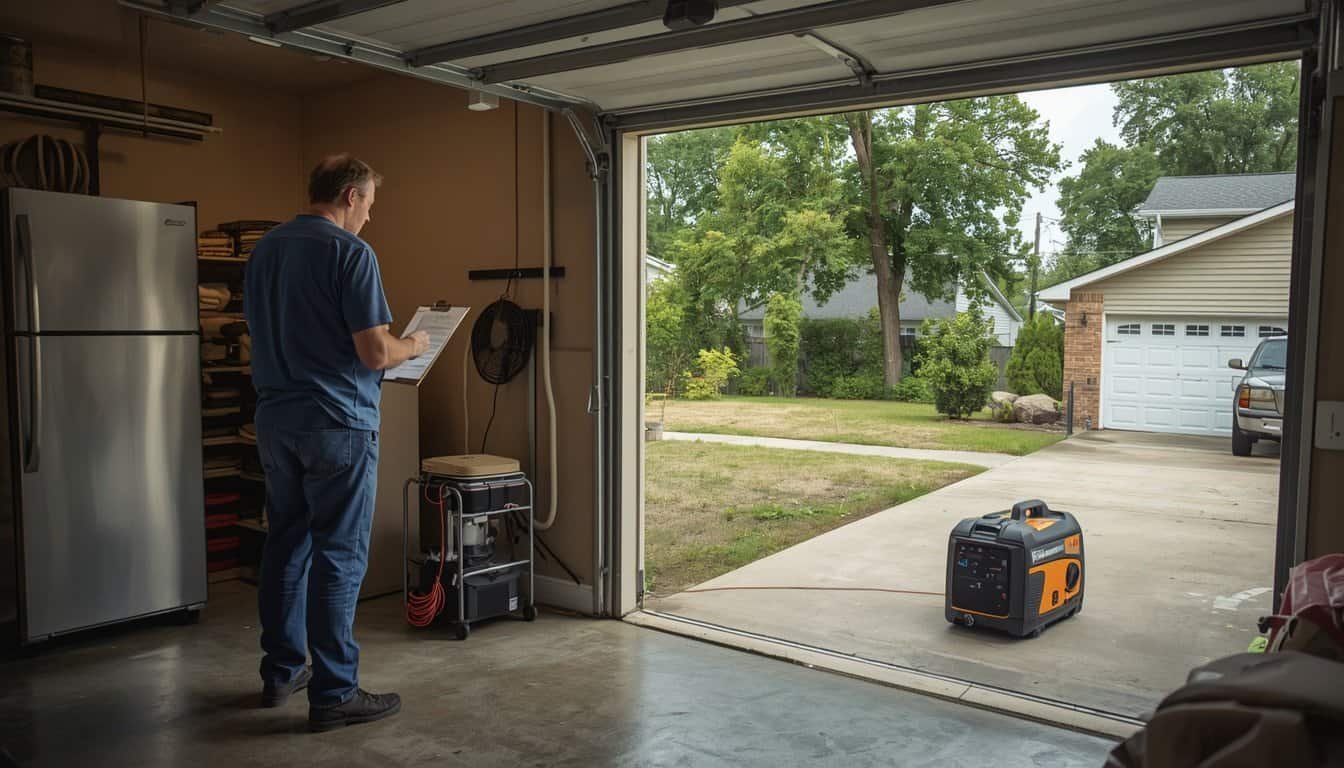
A generator does not need to power the whole house all at once to be useful during an outage. In many homes, the safer plan is to rotate essential loads: cool the refrigerator, run the sump pump when needed, charge phones, support a fan or medical device, then shut some loads off before starting others.
A generator load rotation plan helps you use limited generator capacity without constant overloads, hot cords, tripped breakers, weak appliances, or risky improvising. The goal is to decide what gets power first, what can wait, and which appliances should never be started together unless your generator and connection setup are designed for it.
Start With the Idea of Rotation, Not Everything at Once
Many generator overload problems start because the household tries to recreate normal utility power. The refrigerator is plugged in, then a freezer, then fans, chargers, lights, a microwave, a sump pump, and maybe a coffee maker. Individually, some of those loads may seem reasonable. Together, they may push the generator past its limit.
Load rotation means powering essential items in planned rounds instead of leaving every useful appliance connected continuously. Some loads need steady power. Others only need short runs. A refrigerator does not need the same schedule as a phone charger, and a sump pump during heavy rain may outrank a fan in another room.
This approach supports the broader troubleshooting route in Generator Problems Explained. If the generator bogs, trips, or makes appliances act weak, load rotation is one of the first safe planning fixes to consider before assuming the generator itself has failed.
Separate Continuous Loads From Intermittent Loads
The first step is to separate loads by how they behave. Continuous loads draw power as long as they are on. Examples may include lights, some fans, chargers, routers, small medical devices, and certain electronics. Intermittent loads cycle on and off or need larger power only when they start. Refrigerators, freezers, sump pumps, well pumps, furnace blowers, and some window air conditioners fall into this more complicated category.
Intermittent loads can surprise homeowners because the generator may handle them after they are running, but struggle when they start. A motor or compressor can need extra starting power for a brief moment. If two motor loads start together, the generator may dip, trip, or make other devices behave poorly.
Write down which items in your home are continuous, which are intermittent, and which have motors or compressors. That list becomes the basis for deciding what can safely run together and what needs its own time slot.
Rank Loads by Safety, Not Convenience
A load rotation plan should rank equipment by safety and household function. Medical devices, communication, sump pumps during active water inflow, refrigerator or freezer timing, essential lighting, heat or cooling needs, and well pump water access may all deserve priority over entertainment, cooking convenience, laundry, or extra appliances.
This ranking may change during the outage. During heavy rain, the sump pump may be the top priority. During extreme heat, fans, phone charging, and medical needs may rise higher. After several hours, refrigerator and freezer timing may matter more. The plan should be flexible without becoming random.
Use plain language. Instead of saying “manage loads,” write: first charge phones and medical alerts, then run the refrigerator, then check the sump pump, then run fans in the cooling room, then repeat. A simple plan is more likely to be followed when people are tired, hot, or working in the dark.
Do Not Start Big Loads Together
The easiest overload to prevent is a simultaneous startup overload. Starting a refrigerator, sump pump, well pump, microwave, and air conditioner around the same time can create a demand spike that is much higher than the normal running load. The generator may stall, trip, surge, or produce weak power.
Start one major load at a time. Let the refrigerator compressor settle before adding another motor load. Avoid turning on a microwave, coffee maker, heater, or power tool while a pump is starting. If the generator struggles when a new appliance starts, turn that appliance off and simplify the plan.
If you already saw warning signs such as dimming lights, struggling motors, or repeated trips, use When to Stop Using a Generator before trying again. Load rotation should reduce risk, not encourage repeated testing of a setup that is clearly unhappy.
Build a Refrigerator and Freezer Schedule
Refrigerators and freezers are common generator priorities, but they usually do not need to be opened and powered constantly every minute of the outage. A closed refrigerator can usually hold safe temperatures for a limited time, while a closed freezer may hold longer, depending on how full it is and how often the door is opened.
A practical rotation may run the refrigerator for a period, keep the door closed, then shift generator power to charging, fans, or another essential load. The exact schedule depends on food temperature, appliance condition, generator size, outside heat, and whether the refrigerator was already warm before generator power started.
For generator-specific refrigerator planning, use Running a Refrigerator on a Generator During an Outage. The key point here is that refrigerator power should be scheduled around food safety, not treated as an excuse to overload the generator all day.
Give Sump Pumps Priority During Active Rain
A sump pump is different from many comfort loads because the penalty for not running it may be water damage. During heavy rain, a sump pump that is cycling often may need priority over less urgent loads. If the pump starts while the generator is already near its limit, the overload risk increases.
When rain is heavy, consider clearing other loads before the pump starts or before manually powering the sump pump circuit through an approved setup. Keep the generator ready for the pump instead of loading it with convenience appliances that can wait.
If basement water is part of your outage risk, connect your rotation plan with Sump Pump Power Outage Plan. Pump capacity, backup batteries, water alarms, generator sizing, and cord safety should be planned before the storm.
Use Charging Windows for Phones and Small Devices
Phones, medical-alert devices, tablets, radios, and small power banks often need less power than major appliances, but they are still important. Instead of leaving every charger plugged in all day, create charging windows. Charge the essential communication devices, then unplug them and preserve generator capacity for larger loads.
This prevents small devices from becoming background clutter on the generator. It also keeps someone from adding a laptop, game console, speaker, or other nonessential device just because there is an open outlet. During an outage, open outlets should not mean open permission.
Keep charging cords in one place and label priority devices if helpful. The generator operator should know which phones or alert devices must stay charged before entertainment or convenience devices are added.
Plan Around Heat Without Overloading the Generator
During summer outages, fans may become essential comfort tools, but they still need to be managed. A small fan may be easy to support. Several larger fans, a refrigerator, chargers, and a pump running together may be too much for a smaller generator.
Use fans where people are actually resting. A fan running in an empty room wastes generator capacity. If a portable power station or power bank can support a small fan, that may reduce demand on the fuel generator while still helping the cooling zone.
Do not let fan use hide the larger heat decision. If the home is dangerously hot, generator load rotation is not the main solution. A cooler location may be safer than trying to keep marginal airflow going through a long, hot outage.
Avoid High-Heat Convenience Loads
Some household loads are poor choices for a small or mid-size portable generator. Electric space heaters, large microwaves, toaster ovens, electric kettles, hair dryers, hot plates, and similar heating appliances often draw high wattage. During an outage, they can consume capacity that should go to refrigeration, pumps, charging, lighting, medical devices, or cooling.
That does not mean every heating or cooking device is impossible to run from every generator. It means they should not be casual add-ons. If a high-wattage appliance is part of the plan, it should be used briefly, intentionally, and not at the same time as other major loads unless your generator can handle it.
For most households, simple meals, shelf-stable food, safe outdoor cooking, and short appliance windows are better than treating the generator like normal kitchen power.
Use the Right Cord and Connection for Each Load
Load rotation only works if power is delivered safely. A properly sized generator can still create problems if a long, undersized extension cord feeds a refrigerator, pump, or high-demand appliance. Voltage drop and cord heating can make appliances act weak even when the generator itself has enough capacity.
Use outdoor-rated heavy-duty cords sized for the load and distance. Keep cord runs as short as practical while maintaining safe generator placement. Do not run cords through standing water, under rugs, through pinch points, or across walkways where people may trip.
If your load rotation plan relies on extension cords, review Extension Cord Sizing for Generators. Cord planning is part of load planning, not an afterthought.
Create a Simple Rotation Chart
A rotation chart does not need to be complicated. A simple version might have four columns: load, priority, can run with, and should not run with. For example, a phone charger may run with almost anything. A refrigerator may run with lights and a small fan, but not with a microwave and sump pump. A well pump may need its own window.
Keep the chart near the generator instructions, transfer switch instructions, or outage supplies. During a real outage, the person operating the generator may not be the person who created the plan. The chart should be understandable without a long explanation.
Update the chart after each outage. If the generator struggled with a certain combination, write that down. If a lower fan speed worked better, note it. If a refrigerator needed more time, add that lesson before the next storm.
Use Tools as Planning Aids, Not Permissions
Wattage calculators can help you estimate whether your planned loads are reasonable, but they cannot see every real-world factor. Startup surge, cord length, generator condition, fuel type, elevation, heat, transfer equipment, and appliance age can all change performance.
The Generator Sizing Calculator can help you build a first-pass load list. Use it before storm season, then compare the result with your generator manual and the appliances you actually plan to run.
Do not treat a calculator result as permission to ignore warning signs. If cords heat up, breakers trip, appliances sound weak, or electronics behave strangely, the real-world setup is telling you something the estimate did not capture.
Know When Load Rotation Is Not Enough
Load rotation helps when the issue is limited generator capacity and too many competing loads. It does not fix unsafe generator placement, damaged cords, fuel leaks, wet electrical equipment, backfeeding, internal generator faults, or unstable voltage regulation.
If the generator behaves poorly even with a small simple load, the problem may not be rotation. If voltage appears unstable, electronics reset, lights pulse under light load, or a motor hums without starting, stop and reassess. A generator that cannot provide stable basic power should not be forced into service through clever scheduling.
Load rotation is a management plan, not a repair plan. It helps you use a working generator more safely. It does not make a failing or unsafe generator safe.
FAQ
What is generator load rotation?
Generator load rotation means powering essential appliances and devices in planned rounds instead of running everything at the same time. It helps reduce overload risk and preserves capacity for the loads that matter most.
Can I run a refrigerator and sump pump on the same generator?
Possibly, but it depends on the generator capacity, startup surge, cord setup, and whether the loads start at the same time. During heavy rain, the sump pump may need priority while the refrigerator waits for a safer window.
Should I leave phone chargers plugged into the generator all day?
Usually no. Charge essential phones, medical alerts, and power banks in planned windows, then unplug them so generator capacity stays available for larger or higher-priority loads.
How do I know if I am overloading my generator?
Warning signs include engine bogging, overload lights, tripped breakers, dimming lights, hot cords, weak motors, appliances that will not start, or electronics that reset. If these happen, reduce the load and reassess before continuing.
Conclusion
A generator load rotation plan helps a household get more useful backup power from limited capacity without constantly tripping breakers or stressing appliances. The basic idea is simple: rank essential loads, avoid starting big loads together, power refrigerators, pumps, chargers, and fans in planned windows, and keep convenience appliances off the priority list.
The safest rotation plan is written before the outage, tested calmly, and adjusted after real use. It should reduce load stress while respecting the bigger safety rules: outdoor generator placement, correct cords, no backfeeding, no wet electrical setups, and no continued use when the generator shows warning signs.