


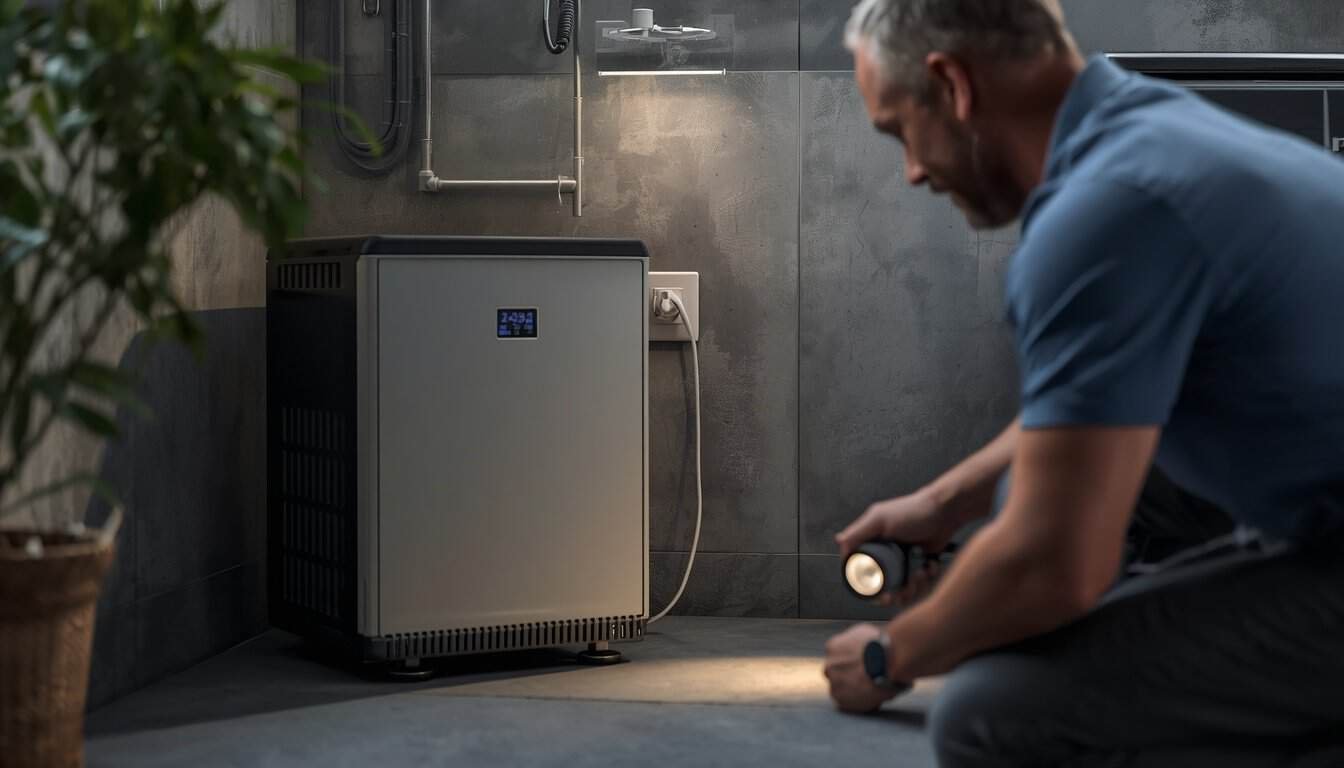
An inverter that starts beeping during a power outage is usually trying to tell you that something about the battery, connected load, temperature, or electrical input has reached a warning level. The alarm may be completely expected as the battery gets low, or it may be telling you to reduce the load before the inverter shuts itself down.
The safest first response is to look at when the beeping started and what changed just before it began. A beep that appears immediately when a refrigerator, pump, heater, or other large load starts suggests a different problem than an alarm that begins after several hours of normal operation.
The Most Common Inverter Alarms Point to Battery, Load, Heat, or a Fault
Most household inverters use audible alarms to warn about a small group of conditions: low battery voltage, excessive load, high temperature, abnormal input voltage, or an internal fault. The exact beep pattern varies by manufacturer, so one brand’s rapid alarm may mean something different on another unit.
That is why the sound alone should not be treated as a universal diagnostic code. Use the timing, connected loads, battery condition, ventilation, and any manufacturer-provided status indicator together.
A Low-Battery Alarm Usually Appears After the System Has Been Running for a While
If the inverter worked normally for a substantial part of the outage and then began beeping, low battery voltage is one of the most likely explanations. As the battery discharges, the inverter eventually reaches a warning threshold before protective shutdown.
Reducing the load may buy some time, but it does not restore the energy already used. Disconnect convenience loads first and preserve the remaining battery for equipment that actually matters during the outage.
If the battery seems to reach the low-voltage warning much sooner than expected, treat that as a runtime problem rather than just an alarm problem. Our guide to why a power station drains too fast explains how connected load, battery condition, conversion losses, and unrealistic runtime assumptions can shorten backup time.
An Alarm That Starts When a Device Turns On May Mean Overload or Startup Surge
If the inverter begins beeping the moment a refrigerator compressor, sump pump, fan motor, microwave, heater, or other substantial load starts, the system may be reaching its output limit. Motors can briefly demand much more power during startup than they use once running.
Disconnect the newest or largest load first. Then remove other nonessential devices and restart the inverter according to its normal instructions. If the inverter remains stable with a lighter load, the alarm was likely related to total demand or startup surge rather than battery capacity alone.
For a portable power station that actually shuts off or reports overload under load, use our separate guide to power station overload warnings and sudden shutdowns. That article stays focused on load reduction and protective shutdown behavior.
Overtemperature Alarms Can Happen Even When the Load Looks Acceptable
An inverter converts battery power into household-style AC power, and that conversion creates heat. High loads, restricted airflow, direct sun, warm indoor conditions, or blocked ventilation can push the inverter toward its thermal limit.
If the unit is unusually hot or the alarm appears after it has been working hard for some time, reduce the load and make sure its vents are unobstructed. Keep the inverter on a dry, stable surface with the clearance required by its manufacturer.
Do not cover the unit with blankets, place it on soft bedding, enclose it in a tight cabinet, or try to cool it with ice packs or other improvised methods. If the inverter will not return to normal after it cools and the load is reduced, discontinue use until the cause is understood.
Low Input Voltage Can Trigger an Alarm Before the Battery Looks Completely Empty
Inverter systems that use an external 12-volt or other battery bank may alarm when battery voltage falls below the inverter’s acceptable input range. This can happen because the battery is genuinely discharged, but it can also happen sooner under a heavy load because battery voltage temporarily sags when current demand rises.
Loose, damaged, overheated, or undersized battery-side connections can also contribute to voltage drop. Those connections deserve caution because high-current DC circuits can create serious heat and fire hazards.
Homeowner troubleshooting should stop at visual checks for obvious damage, heat, swelling, corrosion, loose-looking connections, or unusual odor. Do not begin tightening high-current terminals, opening battery enclosures, or probing energized DC components unless the equipment documentation specifically calls for a safe user-serviceable procedure and you are qualified to perform it.
A Continuous or Unfamiliar Alarm May Mean a Fault, Not a Normal Runtime Warning
If the inverter begins sounding a continuous alarm, shows persistent fault behavior, or will not operate even after loads are removed, do not assume it only needs another reset. Internal protection may have detected a condition that cannot be corrected by simple load reduction.
Turn off connected equipment, follow the manufacturer’s normal shutdown procedure, and inspect the unit externally for heat, odor, swelling, cracking, moisture, or damaged cords. If the inverter is part of a portable power station and the unit also will not accept a recharge after the event, use our Power Station Won’t Charge guide for that separate charging-failure path. If the fault remains with no meaningful load connected, the inverter may need manufacturer support or qualified service.
What to Disconnect First When the Inverter Starts Beeping
Reduce demand in a deliberate order. Start with equipment that consumes a lot of power but is not immediately essential, then preserve the remaining capacity for communication, lighting, refrigeration, medical needs, or other priority loads.
- Disconnect heating and cooking loads first. Space heaters, kettles, coffee makers, hot plates, toaster ovens, and hair dryers can consume a large share of inverter output.
- Remove recently added motor loads. Refrigerators, freezers, pumps, dehumidifiers, and similar equipment may create a significant startup surge.
- Remove convenience electronics. Televisions, game systems, extra chargers, decorative lighting, and other nonessential loads can be added back later if capacity allows.
- Keep one priority load connected. If the inverter stabilizes, add other necessary devices one at a time.
This approach helps identify whether the alarm follows a particular load rather than the inverter itself.
Use Alarm Timing to Narrow the Cause
The timing of the warning often provides more useful information than the beep itself.
- Alarm begins immediately when a large appliance starts: suspect overload, startup surge, or voltage sag.
- Alarm begins after hours of normal operation: suspect low battery or reduced runtime.
- Alarm appears after sustained heavy use in a warm area: consider overtemperature protection.
- Alarm remains after all loads are removed: treat it as a possible fault rather than normal load behavior.
- Alarm occurs only while charging from a generator: the issue may be generator power quality or compatibility rather than the inverter’s normal battery operation.
If the alarm happens only when a UPS, inverter, or medical device is being supplied by generator power, use our separate guide to why generator power can cause UPS or medical devices to alarm. That is a different troubleshooting path from a battery inverter alarming during ordinary outage use.
Do Not Treat the Beeper as Something to Silence and Ignore
An audible alarm is designed to get your attention before the inverter reaches a protective shutdown or unsafe condition. Muting an alarm may be acceptable only if the manufacturer provides a normal mute function and you already understand what the warning means.
Do not tape over vents, disconnect internal speakers, open the inverter, bypass protection, or repeatedly reset the unit while leaving the same problem in place. The goal is to correct the condition that caused the warning, not merely stop the sound.
When to Stop Troubleshooting
Stop using the inverter if you notice smoke, a burning or chemical odor, swelling, cracking, melted plastic, unusual heat, sparking, moisture inside or around the equipment, damaged battery cables, or a fault that continues after all loads have been removed.
Also stop if troubleshooting would require opening the inverter, accessing internal batteries, working on energized high-current DC connections, modifying cords, or bypassing protective features.
A Simple Inverter Alarm Checklist
When an inverter starts beeping during an outage, use this sequence:
- Note when the alarm started. Was it immediate, after a large appliance started, or after hours of use?
- Disconnect nonessential and high-draw loads.
- Check the battery state and normal status indicators.
- Make sure the inverter has clear ventilation and is not unusually hot.
- Look externally for damaged cords, swelling, odor, moisture, or overheating.
- Restart only according to the manufacturer’s normal procedure.
- Add necessary loads one at a time if the inverter returns to normal.
- Stop if the alarm remains unexplained or returns with no meaningful load.
Bottom Line
An inverter beeping during an outage is most often warning about low battery voltage, excessive load, heat, abnormal input conditions, or a fault. The best clue is when the alarm begins and what the inverter was doing at that moment.
Reduce nonessential loads first, preserve battery capacity for priority equipment, keep the inverter cool and dry, and avoid repeated resets when the same condition keeps returning. If the unit remains faulted with the load removed or shows heat, swelling, odor, moisture, or physical damage, stop using it and move to another backup plan.