


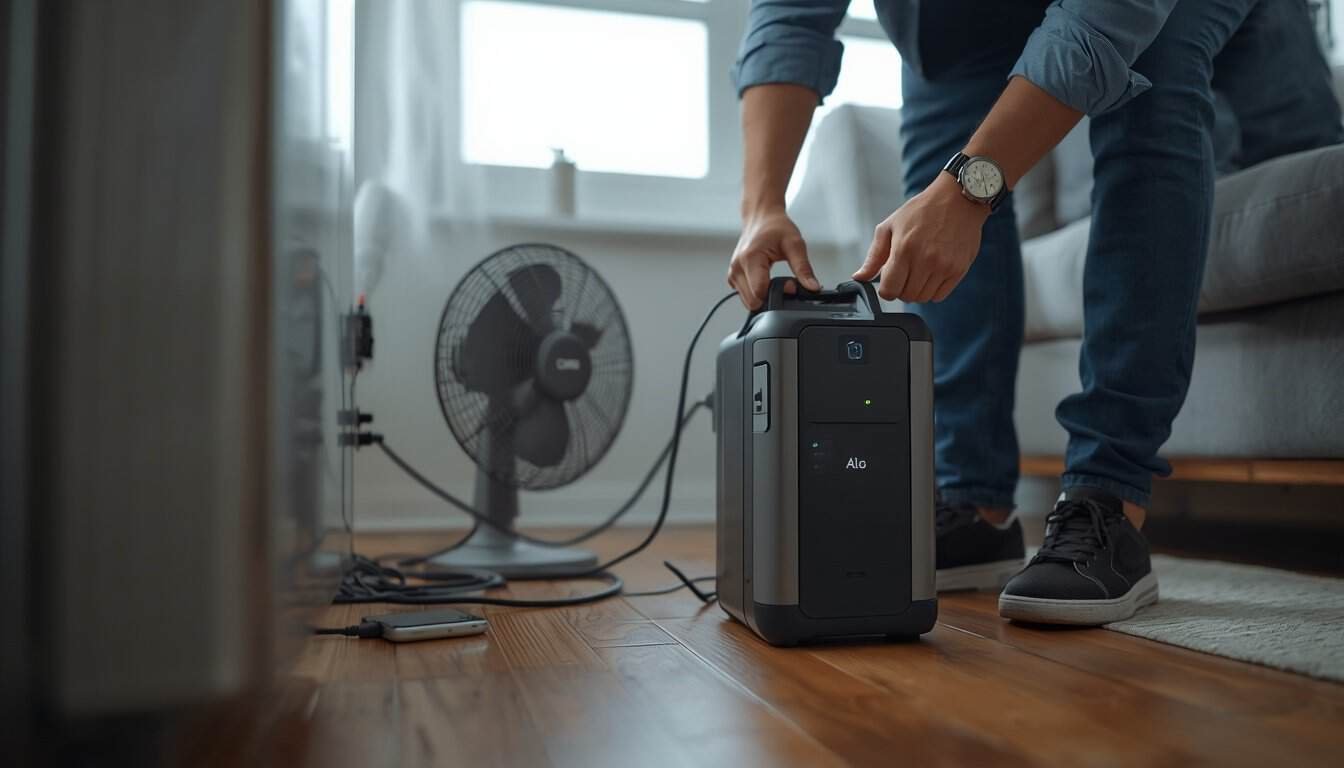
A portable power station that suddenly shuts off during an outage is usually protecting itself from a condition it cannot safely support. The cause may be an overload, a brief startup surge from an appliance, a depleted battery, excessive heat, or another protective limit built into the unit.
The safest first move is to disconnect nonessential and high-draw loads before trying to restart the power station. Start again with only one essential device connected, then add other loads slowly if the unit remains stable. Repeatedly resetting a power station without reducing the load does not fix the problem and can leave you without backup power when you need it most.
What an Overload Warning Usually Means
An overload warning generally means the connected equipment is asking for more AC power than the power station’s inverter can provide. That can happen because the total running load is too high, or because one appliance briefly demands much more power when it starts.
Portable power stations have a continuous AC output limit and often a separate short-duration surge limit. A combination of devices can stay below the continuous rating most of the time and still cause a shutdown when a refrigerator compressor, pump, fan motor, or other motor-driven load starts.
This is different from simply running out of battery energy. A unit that shuts down immediately when a large appliance starts is more suggestive of an output or surge problem. A unit that runs normally for hours and then shuts down near the end of its charge is more likely experiencing a runtime problem.
What to Disconnect First
Disconnect the loads most likely to create a large instantaneous demand first. The goal is not to guess which device is “bad.” It is to quickly reduce the amount of power the inverter must supply so you can determine whether the power station itself is stable.
1. Heating and Cooking Appliances
Space heaters, electric kettles, coffee makers, hot plates, toaster ovens, hair dryers, and similar resistance-heating appliances can consume a large share of a portable power station’s output by themselves. During troubleshooting, unplug these first unless the unit was specifically sized to support them.
These loads usually do not have the same startup surge behavior as motors, but their steady demand can leave very little headroom for anything else.
2. Refrigerators, Freezers, Pumps, and Other Motor Loads
Motor-driven equipment deserves special attention because startup demand can be much higher than normal running demand. Refrigerators, sump pumps, furnace blowers, dehumidifiers, and some fans may run comfortably once started but trip the inverter during startup.
If the shutdown happens specifically when a refrigerator compressor starts, use our guide to why a power station won’t run a refrigerator for the refrigerator-specific troubleshooting path.
3. Everything That Is Helpful but Not Essential
Televisions, game systems, decorative lighting, extra chargers, speakers, and convenience appliances should come off the power station while you diagnose the problem. Several modest loads can add up to enough demand to remove the surge headroom needed by an essential appliance.
Once the system is stable, you can decide which of those loads to add back later.
Restart With One Essential Load
After reducing the load, restart the power station according to the manufacturer’s normal instructions and connect only one essential device. If that device operates normally, the original shutdown was likely related to the total load, startup surge, or the combination of devices being used at the same time.
Do not reconnect everything at once. Add one load, wait for the system to stabilize, and then decide whether another load is necessary. This makes the pattern easier to understand and reduces the chance of immediately recreating the overload.
How to Tell Overload From a Low-Battery Shutdown
Timing is one of the most useful clues. An overload-related shutdown tends to happen when a particular device starts, when several devices are added at once, or when a large load cycles back on. A low-battery shutdown usually happens after the unit has been operating successfully for some time.
If the power station works normally after recharging but later empties sooner than expected, the problem belongs in the runtime lane rather than the overload lane. Our guide to why a power station drains too fast explains hidden loads, conversion losses, battery condition, and unrealistic runtime expectations.
You can also use the Battery Backup Runtime Calculator as a planning tool when you are trying to estimate how long a given battery capacity may support a known load. Runtime estimates do not replace the need to stay within the power station’s output limit.
Check Whether the Power Station Is Too Hot or Too Cold
A power station can also shut down because its battery or inverter reaches a temperature limit. High loads create heat, and a unit placed against a wall, buried under blankets, enclosed in a cabinet, or exposed to direct sun may have trouble cooling itself.
Cold conditions can also affect battery performance and available power. If the unit has been stored in a very cold space, follow the manufacturer’s temperature guidance before charging or heavily loading it.
Keep the power station upright on a dry, stable surface with its vents unobstructed. Do not use household fans, ice packs, heaters, or other improvised methods to force the battery temperature up or down.
Do Not Ignore Cord and Connection Problems
A sudden shutdown is not always caused by the battery itself. Damaged plugs, loose connections, undersized extension cords, overloaded power strips, or poor cord routing can create heat and voltage loss that make an already marginal setup worse.
During troubleshooting, simplify the connection path. Remove unnecessary adapters and power strips where practical, inspect cords for obvious damage, and make sure plugs fit securely. Do not use cords that are hot, cut, crushed, wet, or showing exposed conductors.
If the power station itself will not recharge after the event, that is a separate problem. Follow our Power Station Won’t Charge troubleshooting guide rather than continuing to cycle loads on a unit that cannot recover normally.
When Load Rotation Is Better Than Running Everything Together
A portable power station often works better when essential loads are rotated instead of operated at the same time. You might temporarily power one appliance, disconnect it when the immediate need is met, and then use the available capacity for another load.
That approach is especially useful when the battery has adequate stored energy but limited inverter output. It can also help preserve runtime because convenience loads are not drawing power continuously in the background.
If your household frequently needs several large loads at the same time, the issue may be equipment sizing rather than troubleshooting. Our Portable Power Station vs Generator guide explains why some outage plans work better with a generator, a larger battery system, or a layered combination rather than one portable power station doing everything.
What Not to Do After an Overload Shutdown
Protective shutdowns are safety features, not obstacles to work around. Do not defeat overload protection, modify plugs, open the power station, connect homemade adapters, or repeatedly reset the unit while leaving the same load connected.
Also avoid moving the power station onto bedding, carpet piles, soft furniture, or other surfaces that could block ventilation. Keep food, drinks, rainwater, and other moisture away from the unit and its AC connections.
If a particular appliance is essential and repeatedly causes shutdowns, the safe solution is to verify compatibility or choose another approved backup source—not to bypass the protection that is stopping the system.
When to Stop Troubleshooting
Stop using the power station if you notice swelling, cracking, leaking, smoke, a burning or chemical odor, unusual heat, melted plastic, damaged outlets, persistent fault behavior, or a unit that will not restart normally after the load has been removed.
Also stop if the problem would require opening the housing, replacing internal battery components, probing internal wiring, or bypassing a protective feature. Those are not normal homeowner troubleshooting steps.
A Simple Power Station Shutdown Checklist
If your power station suddenly turns off during an outage, use this order:
- Disconnect all nonessential loads.
- Remove heating appliances and large motor-driven loads.
- Check for heat, odor, moisture, damaged cords, or blocked vents.
- Allow the unit to recover as required by its instructions.
- Restart with one essential device only.
- Add other loads one at a time if the system remains stable.
- Watch for the exact device or event that causes another shutdown.
- Stop repeated testing if the same load consistently trips the unit.
Bottom Line
When a portable power station shows an overload warning or suddenly shuts off, reduce the load before doing anything else. Disconnect high-wattage heating appliances, motor-driven equipment, and nonessential devices, then restart with one essential load and add other equipment gradually.
The timing of the shutdown tells you a lot. An immediate trip when a device starts points toward surge or output limits. A shutdown after hours of normal operation points more toward battery runtime. A unit that remains hot, damaged, faulted, or unstable with the loads removed should be taken out of service rather than repeatedly reset.