


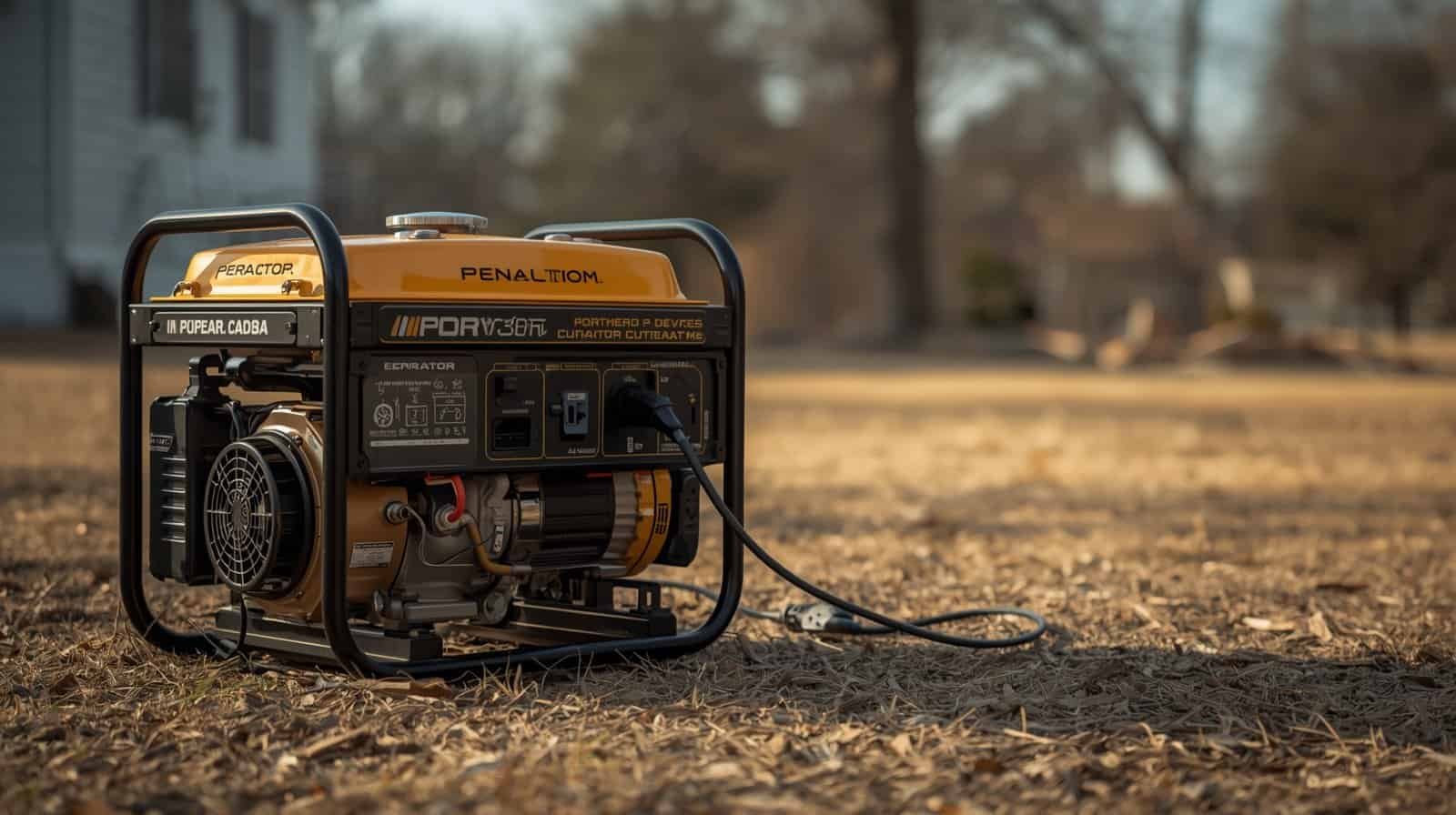
If a generator receptacle appears to have power but nothing works at the far end of an extension cord, the problem may be the cord—but not always. A damaged conductor, loose plug, undersized cord, wet connection, tripped GFCI, overloaded receptacle, or generator-side output problem can all create similar symptoms.
The safest approach is to troubleshoot from the outside in. Do not assume a non-contact voltage tester or a glowing indicator proves the generator outlet is delivering normal usable voltage under load. Start with the cord and connections, try a known-good properly rated cord, reduce the load, and stop if you see heat, melting, sparking, moisture, or repeated breaker/GFCI trips.
“The Outlet Tests Hot” Does Not Always Mean the Outlet Is Supplying Usable Power
A common mistake is to treat any voltage indication as proof that the generator receptacle is healthy. A non-contact voltage tester can show that an electric field is present, but it does not confirm the actual voltage between conductors, whether the neutral path is intact, or whether the outlet can support a load.
Likewise, a small plug-in indicator or light may illuminate even when voltage drops badly as soon as a real appliance is connected.
For a homeowner, the safest conclusion is simple: if the outlet appears energized but a known-good properly sized cord and modest load still do not work, do not keep probing deeper into the generator. Use the external symptoms to narrow the problem and move to generator-side troubleshooting if needed.
First Determine Whether the Cord or the Generator Side Is Failing
| What happens | Most likely direction | Safer next step |
|---|---|---|
| One cord fails; another known-good cord works | Cord or plug problem | Retire the suspect cord and inspect it unplugged |
| Multiple known-good cords fail on one generator outlet | Outlet, breaker/GFCI, or generator-side issue | Check only accessible controls and move to generator troubleshooting |
| Cord works with small loads but not a refrigerator, pump, or heater | Voltage drop, cord sizing, startup surge, or overload | Reduce loads and compare cord/load requirements |
| GFCI trips when the cord is connected | Moisture, leakage, cord damage, appliance fault, or grounding-related issue | Disconnect and dry/inspect; do not bypass protection |
| Plug or connector becomes hot or smells burned | High resistance, overload, loose contact, or damage | Stop using the cord and receptacle until the cause is corrected |
Internal Cord Damage Can Stop Power Even When the Jacket Looks Fine
Extension cords flex every time they are coiled, dragged, stored, stepped on, or pulled around corners. Conductors can break internally near the plug, connector, or a frequently bent section while the outer jacket still looks intact.
Storm use adds more stress. Cords may be crushed by doors, driven over, dragged across concrete, exposed to water, or stored while damp. Cold temperatures can make some jackets stiffer and less flexible, increasing the chance that an already-damaged cord reveals itself when moved.
Do not keep flexing a suspect energized cord to see whether the appliance flickers back on. Unplug the cord first. If movement changes the fault, retire or replace the cord rather than treating intermittent operation as acceptable.
Inspect Both Ends of the Cord, Not Just the Cable
Plug and connector ends often fail before the middle of the cable. Look for:
- Loose or bent plug blades
- Missing grounding pin
- Scorching or discoloration
- Melted or distorted plastic
- Loose strain relief where the cord enters the plug
- Corrosion or contamination on contacts
- Cracks, cuts, or crushed sections near either end
- Signs that water has entered the connector
If the plug fits loosely in the generator receptacle or the connector barely grips the appliance plug, stop using that cord. Loose contact can create resistance and localized heating even when power appears to pass intermittently.
Undersized or Overly Long Cords Can Deliver Voltage at No Load but Fail Under Real Load
A cord can appear fine with nothing connected and still cause trouble once an appliance draws significant current. Resistance in the cord creates voltage drop, and longer or thinner cords create more of it.
That matters most with refrigerators, freezers, sump pumps, well pumps, air conditioners, compressors, and other motor-driven loads. The appliance may hum, struggle, fail to start, or cause the generator to bog even though a small lamp works from the same cord.
Use Extension Cord Sizing for Generators to match cord gauge and length to the load. A properly sized cord can reduce voltage drop and heat, but it does not increase the generator’s wattage or the receptacle’s amperage limit.
Do Not Confuse a Cord Problem With Appliance Startup Surge
If the far end of the cord powers a small light or charger but not a refrigerator, pump, microwave, or air conditioner, the cord may still be carrying power. The real problem may be appliance startup demand or the combined generator load.
In that case, disconnect other generator loads and try the appliance only if the connection is otherwise safe and properly rated. If the appliance still will not start cleanly, stop repeated attempts.
A motor that hums or stalls should not be left energized while you troubleshoot. Startup failure can overheat both the appliance and the cord.
GFCI Protection Can Make the Cord Look Dead
Some generator receptacles include GFCI protection. If the GFCI has tripped, the receptacle may appear mechanically normal while no usable power reaches the cord.
Moisture, damaged insulation, a faulty appliance, or leakage current can cause a GFCI to trip. Do not bypass, defeat, or repeatedly reset the GFCI while reconnecting the same questionable setup.
Check only the normal external reset controls described in the generator manual. If the GFCI will not reset with loads disconnected, or it trips again immediately with a known-good dry cord, move to generator-side troubleshooting rather than defeating the protection.
Moisture at the Connection Can Interrupt Power or Create Shock Risk
Generator extension-cord connections must stay dry. A wet connector can create leakage current, corrosion, GFCI trips, and shock risk.
Do not place a cord connection on wet grass, standing water, snow, or a damp basement floor. Keep the generator outdoors in a safe operating location and protect electrical connections using methods approved by the equipment manufacturers.
If a cord or connector was submerged, heavily soaked, or visibly contaminated, do not simply dry the outside and put it back into service.
Test the Suspect Cord Only While It Is Completely Unplugged
If you know how to use a multimeter safely, continuity testing can sometimes confirm an open conductor in an extension cord—but only when the cord is unplugged from the generator and every load.
Do not perform resistance or continuity checks on an energized cord. If you are not confident using a meter, the safer test is often simpler: replace the suspect cord temporarily with a known-good, properly rated cord.
That substitution test avoids opening connectors, exposing conductors, or making live measurements during an outage.
Check the Generator Outlet Type and Rating
Portable generators may have several receptacles with different voltage and amperage limits. An outlet that works for one load is not automatically suitable for another.
A 120-volt receptacle, 240-volt receptacle, 30-amp twist-lock outlet, and RV-style receptacle are not interchangeable just because adapters exist. Use only approved cords and connection methods that match the generator and appliance requirements.
Review Generator Outlet Types Explained if the plug type, voltage, amperage, or receptacle configuration is part of the problem.
Do Not Use Adapters to Force an Incompatible Setup
If the cord does not match the generator outlet or appliance, do not solve the problem with a homemade adapter, modified plug, removed grounding pin, double-male cord, or backfeeding connection.
An adapter cannot change the underlying voltage or current capacity safely unless the entire system is designed for that purpose.
Use the correct cord and approved connection method from the start. If the required appliance cannot be powered through the available generator receptacle, use another safe backup method rather than improvising.
When the Problem Is Probably on the Generator Side
Move your attention away from the extension cord if:
- Multiple known-good cords fail from the same generator receptacle
- The receptacle GFCI or breaker will not remain reset with loads disconnected
- Several generator outlets behave abnormally
- Voltage appears unstable across multiple loads
- The generator engine bogs, surges, or changes speed unexpectedly
- Plugs or receptacles heat up even with appropriate cords and modest loads
- The generator shows fault indicators or abnormal output behavior
At that point, stop blaming the cord and use the Generator Troubleshooting Hub to choose the correct generator-side path. If the generator is powering some loads but electronics are resetting, buzzing, or behaving erratically, review Generator Power Problems That Damage Electronics for power-quality warning signs.
A Safe Troubleshooting Sequence
Use a substitution-and-observation process instead of live internal testing:
- Disconnect the appliance and extension cord.
- Inspect the cord, plug ends, generator receptacle, and appliance plug.
- Check for moisture, heat, melting, damage, or loose contacts.
- Confirm the cord is properly rated for the load and length.
- Reconnect with a modest known-good load.
- If the cord still appears dead, try a known-good properly rated cord.
- If the second cord works, retire the suspect cord.
- If multiple known-good cords fail, stop and investigate the generator side.
This sequence avoids opening generator covers, probing internal wiring, or repeatedly stressing an appliance that is not receiving stable power.
When to Stop Using the Cord
Replace or retire the extension cord if it has a missing ground pin, damaged insulation, crushed sections, intermittent operation, loose plug blades, scorched connectors, melting, abnormal heating, or known water damage.
Do not repair serious cord damage with electrical tape and return it to high-load generator service. Tape can cover visible damage without restoring conductor integrity, strain relief, water resistance, or safe current capacity.
Generator cords carry meaningful loads for long periods during outages. Their condition matters just as much as their gauge.
When to Stop and Get Generator Service
Stop homeowner troubleshooting if known-good cords fail at multiple receptacles, breakers or GFCIs repeatedly trip with loads removed, output remains unstable, the receptacle is visibly damaged, or the generator produces abnormal sound, smell, heat, or electrical behavior.
Do not remove generator electrical covers or probe internal terminals during an outage unless you are qualified to service that equipment.
Generator Extension Cord FAQ
Why does my generator outlet show power but nothing works through the extension cord?
The cord may have an internal break, damaged connector, loose contact, moisture problem, or excessive voltage drop. A generator-side breaker, GFCI, or output problem can create the same symptom, so compare with a known-good properly rated cord before deciding.
Can an extension cord be bad even if it looks normal?
Yes. Conductors can break internally near plugs or frequently flexed areas while the outer jacket still appears intact.
Can a cord have voltage but still fail to run an appliance?
Yes. An undersized or long cord can show voltage with little or no load but sag once a high-current appliance starts. Loose or damaged connections can behave similarly.
Can I check an extension cord with a multimeter?
Continuity testing can be appropriate only when the cord is fully unplugged and de-energized. Do not use continuity or resistance mode on an energized cord.
Why does a known-good cord fail only on one generator outlet?
That pattern points more strongly toward the receptacle, its breaker/GFCI protection, or generator-side output rather than the cord itself.
Bottom Line
If a generator outlet appears to have power but an extension cord delivers nothing useful, start with the simplest external checks: inspect the cord, verify its rating, keep connections dry, reduce the load, and substitute a known-good cord.
If the second cord works, replace the suspect cord. If multiple known-good cords fail from the same receptacle, the problem is probably no longer a cord problem. Move back toward the generator outlet and protection system, stop if anything is hot, wet, damaged, or unstable, and avoid opening the generator or improvising adapters during an outage.